Harbor
Harbor is the bundled container registry. It runs alongside Trivy for image vulnerability scanning. In the provided environment it is enabled by default, so a normal terragrunt run --all apply installs the Harbor chart, a Traefik Ingress, and the bundled Postgres and Redis.
Configure or disable it
Harbor is configured from infra/<env>/env.hcl. That is where you control whether it is enabled, which hostname it uses, the chart version, and the size of its persistent volumes.
To skip Harbor in a new environment, set the Harbor enabled flag to false before the first apply:
If Harbor is already installed, destroy the harbor unit before flipping the flag. Once enabled = false, Terragrunt excludes that unit from future runs.
Warning
Destroying the harbor unit deletes the Harbor namespace and its five persistent volumes. Any pushed images, Helm charts, vulnerability databases, and bundled Postgres/Redis state are lost unless you have backed them up elsewhere.
Tune chart values
Use helm_set in the Harbor block in infra/<env>/env.hcl for chart values
that the module does not expose directly. Use helm_set_sensitive for values
that must stay out of plan and apply output.
See Helm value overrides for examples, limits, and the required git hook.
Resize the persistent volumes
Harbor's chart keeps state on five PersistentVolumeClaims. Their sizes are exposed in infra/<env>/env.hcl so each environment can tune capacity without forking the module.
| PVC | Purpose |
|---|---|
registry |
Image and chart blobs. The only PVC that grows with usage. |
jobservice |
Async job logs (replication, GC, scans). |
database |
Bundled Postgres data for the Harbor core. |
redis |
Bundled Redis (jobservice queues, registry cache). |
trivy |
Trivy vulnerability database cache. |
Hetzner block storage is grow-only, so it is safer to start a little small than to oversize on day one. See Persistent Volumes for the storage class details and operational caveats.
Access the UI
The UI is exposed through Traefik at the Harbor host configured in env.hcl.
The username is admin. The initial password is generated during apply and stored in the harbor-admin-secret Kubernetes Secret:
kubectl -n harbor get secret harbor-admin-secret \
  -o jsonpath='{.data.HARBOR_ADMIN_PASSWORD}' | base64 -d; echo
After the first login, the password can be rotated from the Harbor UI. The chart keeps reading the existing secret, so future applies are not affected.
Push and pull images
Log in once per workstation with the Harbor hostname:
Then tag and push images into a Harbor project (the default library project is created automatically; new projects can be added from the UI):
docker tag my-app:dev harbor.<your-domain>/library/my-app:dev
docker push harbor.<your-domain>/library/my-app:dev
Pulling from inside the cluster uses the same hostname. Private projects need an imagePullSecret on the workload; the Harbor docs cover the standard patterns.
Image scanning with Trivy
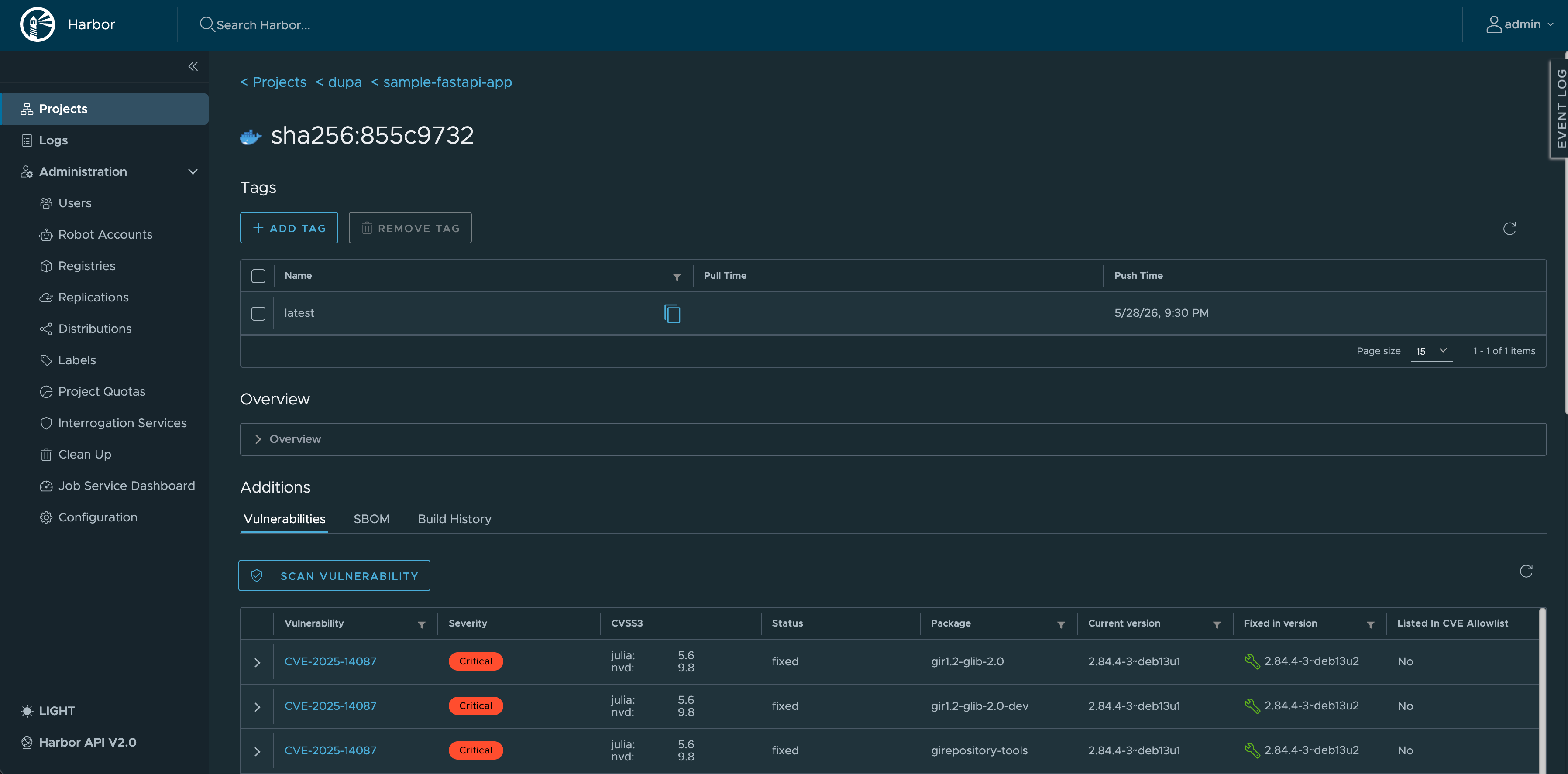
Trivy is enabled by default. Each project can opt into automatic scans on push, and a manual scan can be triggered from the UI for any pushed image.
The Trivy vulnerability database lives on the trivy PVC and refreshes itself periodically; the first scan after a fresh install may take a few minutes while the database downloads.
Resource expectations
Harbor is useful, but it is not tiny. The chart runs six core components plus a bundled Postgres and Redis. On small Hetzner nodes such as cx22 or cx23 the core, registry, and Postgres can be the heaviest.
If Harbor pods start getting OOMKilled, first consider adding worker capacity in agent_nodepools for that environment. Tune Helm resource values only once you know which component is actually constrained.